
Real-time voice AI has moved well beyond demos—it’s now production-ready.
With Google’s Gemini 3.1 Flash Live Preview and Agora’s global real-time network (powering over 80 billion minutes of audio and video every month), developers can build low-latency, multilingual voice agents faster than ever.
In this guide, you’ll learn how to wire up a fully functional voice agent in minutes—and see how the same architecture scales to real-world use cases like robotics and conversational commerce.
What you’ll build
By the end of this tutorial, you’ll have a live voice agent that can:
- Understand and respond to speech in real time
- Switch seamlessly between multiple languages mid-conversation
- Generate natural audio responses
- Invoke tools and external actions dynamically
- Run on Agora’s real-time infrastructure
We’ll also highlight two real-world demos:
- A physical robot interface
- A voice-powered food ordering kiosk
Prerequisites
Before getting started, make sure you have:
- Node.js installed
- An Agora account (for App ID + Certificate)
- A Google AI Studio account (for Gemini API key)
Step 1: Clone the Agent Quickstart
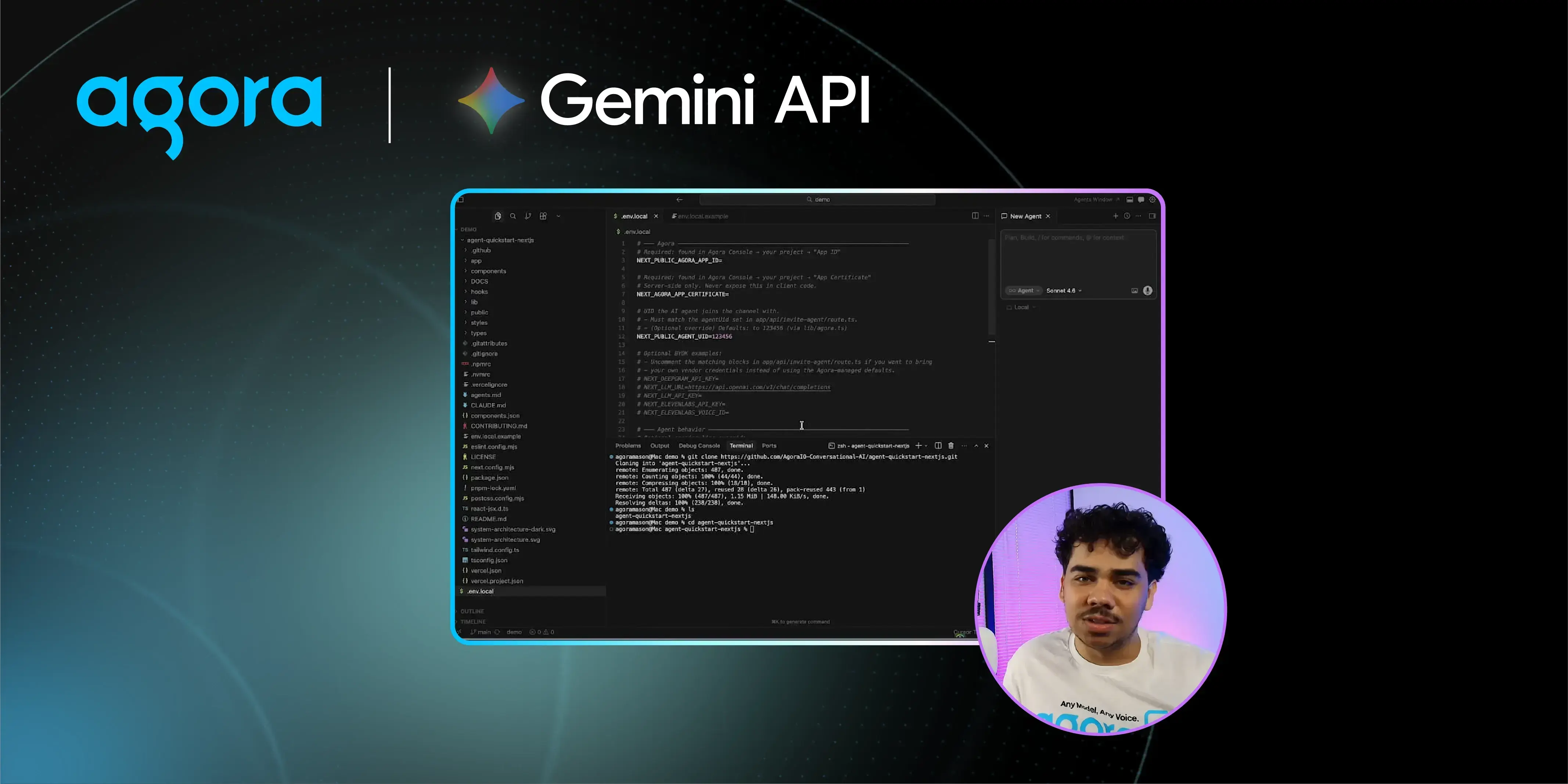
Start with Agora’s agent quickstart repo. Clone it and move into the project directory:
git clone https://github.com/AgoraIO-Conversational-AI/agent-quickstart-nextjs
cd <project-folder>
Open the project in your preferred editor (VS Code, Cursor, etc.).
Step 2: Configure your environment
Copy the example env file to create your own:
cp .env.example .env.local
You’ll need three values inside it:
AGORA_APP_ID = <your-app-id>
AGORA_APP_CERTIFICATE = <your-certificate>
GEMINI_API_KEY = <your-gemini-key>
To get your Agora credentials, sign in to the Agora Console, create a new project, click Configure, and copy your App ID and Primary Certificate. While you’re there, enable the Conversational AI feature for your project — one click, then confirm. Your Gemini API key comes from Google AI Studio. Keep it out of version control.
Step 3: Swap in Gemini Live
Open app/api/invite-agent/route.js. The default SDK is configured for a chained pipeline — speech-to-text → LLM → text-to-speech. For Gemini 3.1 Flash Live Preview, you replace that entire chain with a single native multimodal call.
Import the Gemini Live module at the top of the file, remove the three pipeline steps, and replace them with:
.withMllm(new GeminiLive({
        model: 'gemini-3.1-flash-live-preview',
        apiKey: process.env.GEMINI_API_KEY ?? '',
        url: `wss://generativelanguage.googleapis.com/ws/google.ai.generativelanguage.v1beta.GenerativeService.BidiGenerateContent?key=${process.env.GEMINI_API_KEY ?? ''}`,
        inputModalities: ['audio'],
        outputModalities: ['audio'],
        failureMessage: 'Sorry, I encountered an issue. Please try again.',
        instructions: ADA_PROMPT,
        voice: 'Charon',
        additionalParams: {
          affective_dialog: false,
          proactive_audio: false,
          transcribe_agent: true,
          transcribe_user: true,
          http_options: {
            api_version: 'v1beta'
          },
        },
The model, system prompt, and greeting string are defined as variables earlier in the file — just reference them here.
Step 4 : Run it
npm run dev
Navigate to localhost:3000, click Try it now, and speak. That's it.
See it in action
The quickest way to appreciate what the model can do is to throw multilingual requests at it mid-conversation. In our own testing, the agent handled seamless language switches without missing a beat — English to German to French to Chinese, all within a single conversation, with no reconfiguration required.
Beyond Chat: Tool Calling and Physical Interfaces
This architecture isn’t limited to voice chat.
Robotics Demo
We integrated the agent with a Reachy Mini robot, enabling:
- 70+ callable “emotes” mapped to motor controls
- Real-time conversational control of physical actions
- Dynamic tool selection by the model
The result: a system where conversation directly drives physical behavior—no manual routing required.
Note: Hardware introduces latency. For ultra-low-latency applications, software-only deployments perform best.
Voice-Powered Food Ordering Demo
We also built a conversational kiosk that can:
- Manage a live cart
- Suggest menu items
- Handle substitutions and removals
- Track complex order changes in real time
In testing, users:
- Swapped items
- Added desserts
- Changed orders mid-conversation
…and the agent maintained full state accuracy throughout.
Why Agora for Voice AI?
Low-latency voice AI depends heavily on the transport layer.
Agora handles:
- Global packet routing
- Jitter buffering
- Codec negotiation
- Real-time synchronization
So you can focus on building your agent—not infrastructure.
With SDKs and APIs across web, mobile, and embedded platforms, you can deploy the same backend everywhere.
Get Started
- Watch the demo: https://www.youtube.com/watch?v=2ltcbA2CCTo
- Try the repo: https://github.com/AgoraIO-Conversational-AI/agent-quickstart-nextjs
- Build with Agora: https://www.agora.io


